From Unity assets to a baked Godot neighborhood
Characters need a place to live, so after the first character work I moved back to the neighborhood.I started with two licensed Unity Asset Store packs: Suburb Neighborhood House Pack Modular and Residential Buildings
Login with Patreon to unlock marked mature media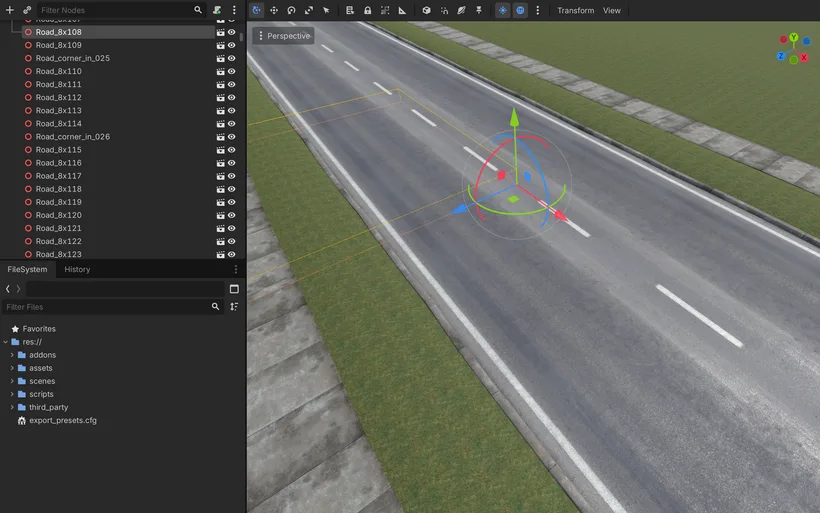
Characters need a place to live, so after the first character work I moved back to the neighborhood.
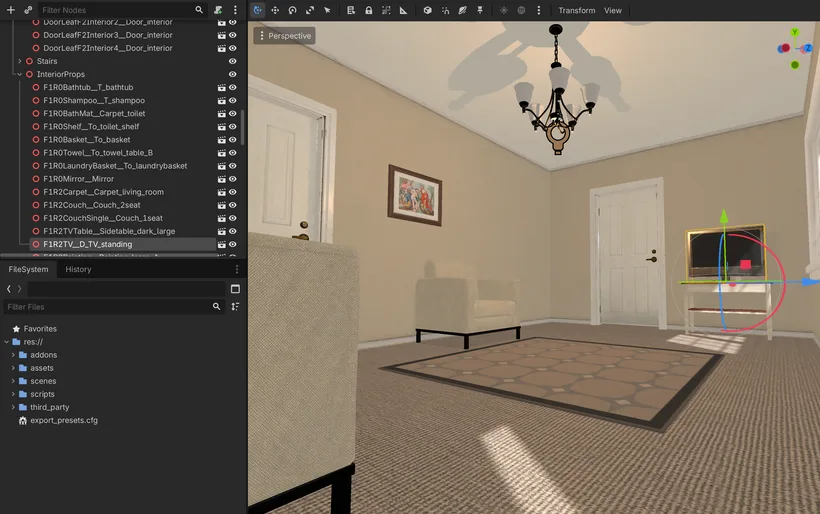
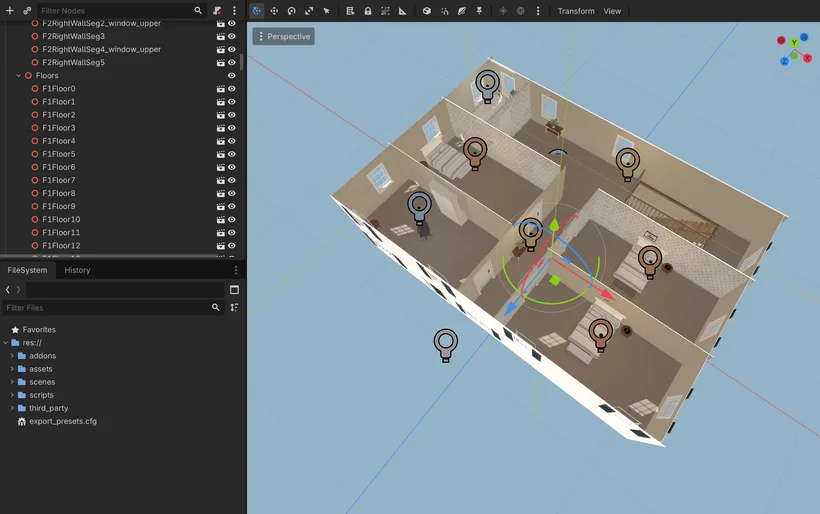
I started with two licensed Unity Asset Store packs: Suburb Neighborhood House Pack Modular and Residential Buildings Pack. Under the standard Unity Asset Store EULA, these assets can be used as part of a game outside Unity too, as long as they are not redistributed as raw asset packs. That saved a lot of modeling time, but it was not a magic import. The models existed already, yes: houses, roofs, windows, sidewalks, roads, grass and modular pieces. But the materials were made for Unity HDRP, not for Godot.
The first job was only to make the assets survive the trip. I wrote a Blender conversion script that imported the FBX files, found the textures, converted Unity mask maps into a more normal PBR layout, flipped DirectX normal maps, applied transforms and exported GLB files.
For a while this was very confusing because the same house looked fine in Blender and broken in Godot. Roof and wall pieces seemed to draw over each other. I checked normal maps, metallic and roughness textures, scale, transforms, everything I could think of.
The clue was glass. A simplified house without mixed opaque and transparent materials looked fine. The original mesh, with glass and opaque walls inside the same object, did not. So the converter now splits those material groups into different nodes. Godot gets simpler pieces, and the house renders normally.
That was the first boring but important lesson: the asset pipeline does not need to be universal. It just needs to be reliable for the assets I actually licensed and use.
Once the assets were usable, I started laying out the neighborhood. My first version used Godot GridMap because roads and terrain are modular. It was useful for quick blockout, but it became frustrating when I wanted careful placement. I kept rotating tiles, fighting snapping, and sometimes breaking pieces that were already correct.
Godot 4.7 beta added better vertex snapping, so I tried placing the GLTF pieces as normal `Node3D` children instead. It felt much better. The scene tree was less compact, but I could see the real pieces, move them by hand and use the original assets directly.
Before that worked well, I had to fix pivots. Some road tiles had origins in the center, some were offset, and small errors became obvious when repeated across a street. I made a script that adjusted the pivot convention for the road pieces, so they snap from a predictable corner.
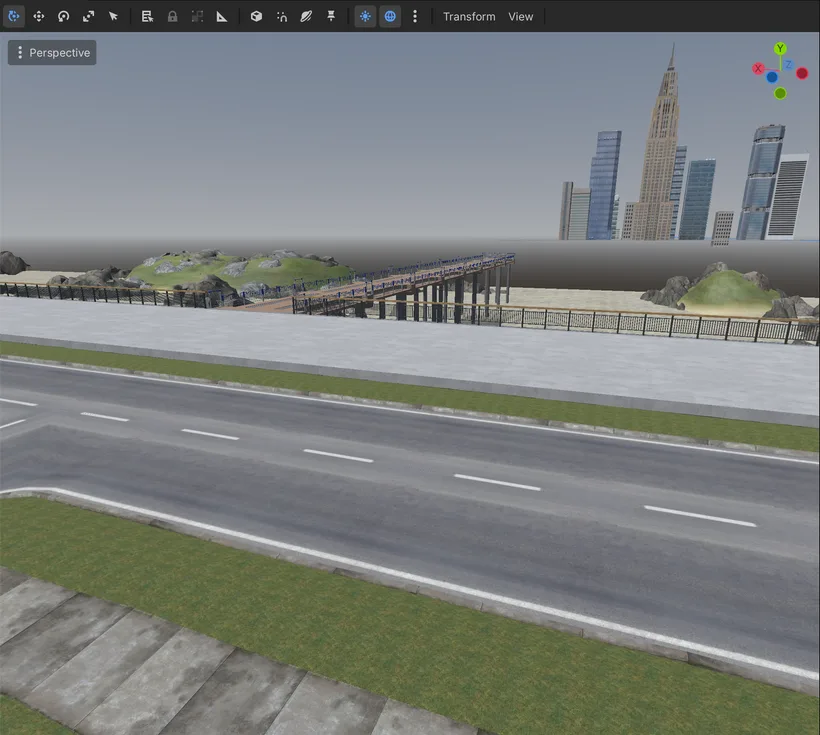
That gave me an editable source layout. The `roads` node became the place where I arrange the real neighborhood: roads, sidewalks and ground pieces. It is nice to edit, but not nice to render forever. At one point it had 1416 children and about 1700 draw calls from a high angle, before adding houses, vegetation, characters and all the rest.
So I added a bake step. I do not mean light baking or texture baking here. I mean a script that takes many small modular pieces and merges their meshes into bigger blocks, so the Godot editor has fewer objects to manage and the scene is easier to navigate.
The source layout stays editable. A script reads all those pieces, groups them into larger chunks and writes a derived `roads_render` layer. In Godot I can hide the edit layer and show the baked layer. If I change the layout later, I can bake again.
The first bake was wrong because I applied a transform matrix in the wrong convention. Some rotations looked fine, others created holes. After fixing that, the baked roads matched the source. I also had to flatten normals on some baked grass surfaces because one repeated corner piece created a dark ugly patch when used many times.
This is the shape I like: edit the human-friendly version, generate the runtime-friendly version, and keep both under control.